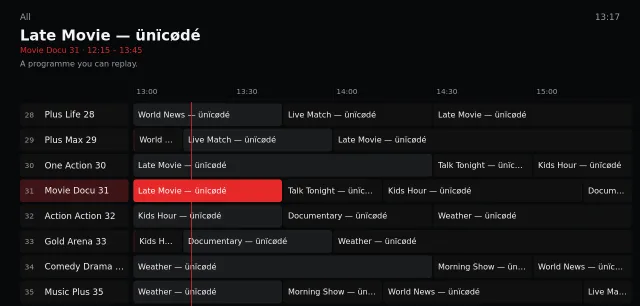
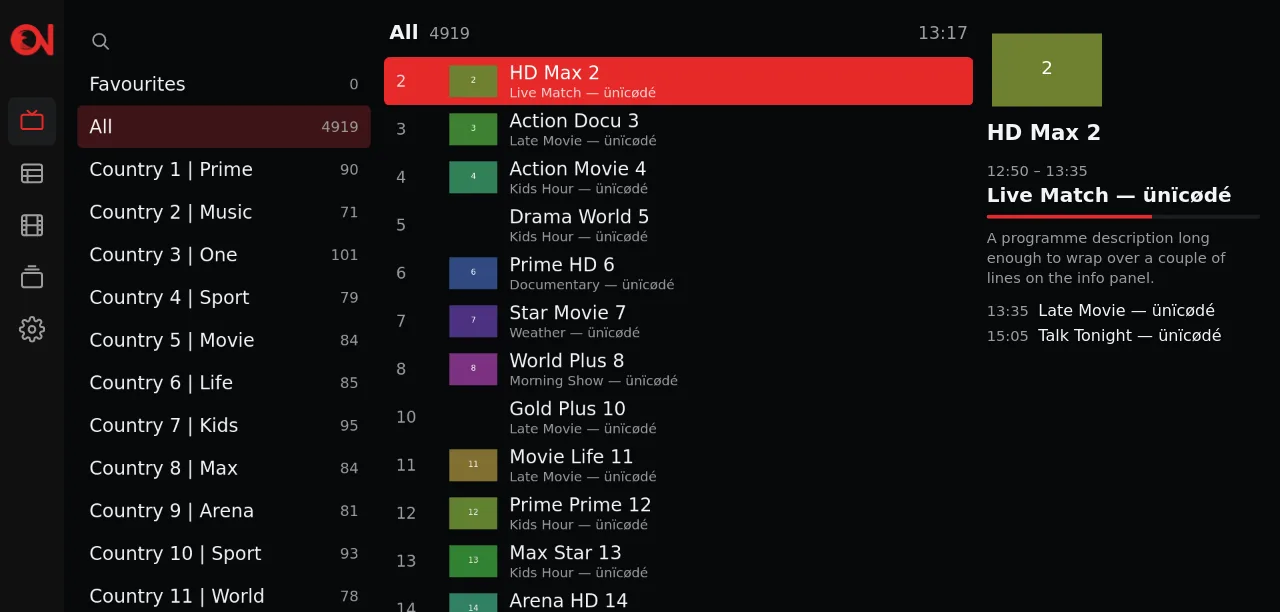
Live TV with a full guide
See what is on now and next under every channel, open the programme grid, type a channel number, and zap with CH+ and CH−.

Media player for smart TVs
Ontv is a fast, simple media player for LG and Samsung smart TVs. It plays the Xtream Codes playlist you already have from your provider, with a programme guide, movies, series and favourites. The app itself comes with no channels or content.
LG webOS and Samsung Tizen, from 2018 on. Android TV and Apple TV are coming.
Scan the code on the TV and add your playlist. No typing with the remote.
Ontv plays only the playlist you bring.
Then 4.99€ a year, or 7.99€ once for life.
The player
See what is on now and next under every channel, open the programme grid, type a channel number, and zap with CH+ and CH−.
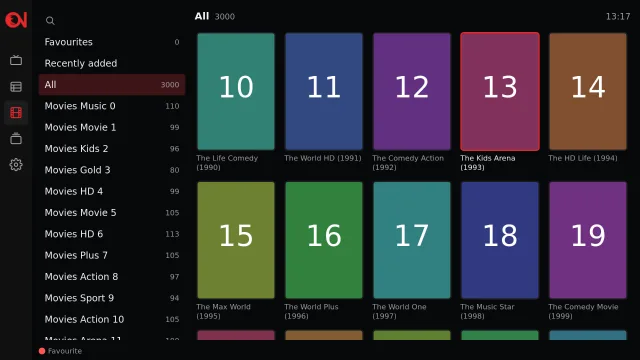
Pick up where you stopped. When an episode ends, the next one starts by itself.
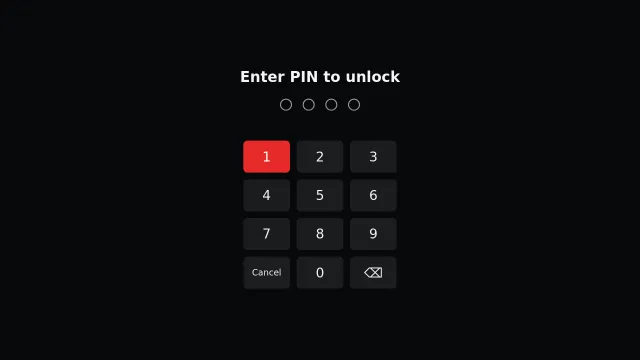
Mark favourites with the red button. Adult categories stay locked behind a PIN.
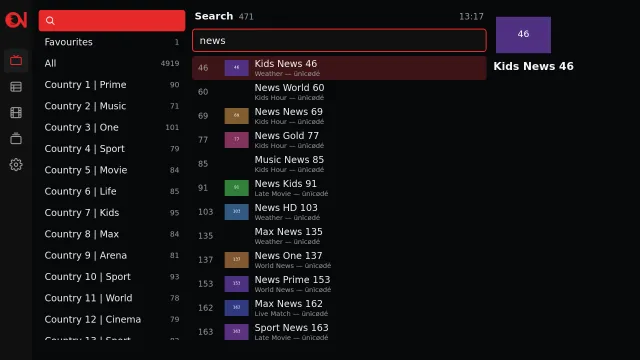
Ontv opens from its own cache, so your lists are there the moment it starts, and scrolling stays smooth however many channels your playlist has.
Screens show sample data, not real channels.
How it works
Typing a server address and a password with a TV remote is slow. Ontv shows each TV a Device ID, so you add your playlist from your phone instead.
Install Ontv on your LG or Samsung TV and open it. It shows a Device ID and a QR code.
Scan the code, or go to ontv.al/activate and enter the Device ID. Then add the server, username and password your provider gave you.
The TV picks the playlist up by itself within seconds. You can add up to 10 playlists, and remove them at any time.
Prefer the remote? You can also enter a login directly on the TV.
Open Ontv on your TV, then add your playlist from your phone. It takes about a minute.
You bring the playlist. Ontv is a player. It contains no channels, films or playlists of its own and plays only what you add to it, so use it with a service you are entitled to watch.
Ontv is a media player. The app does not include, host or distribute any content: users add their own playlists from providers they are entitled to use.